
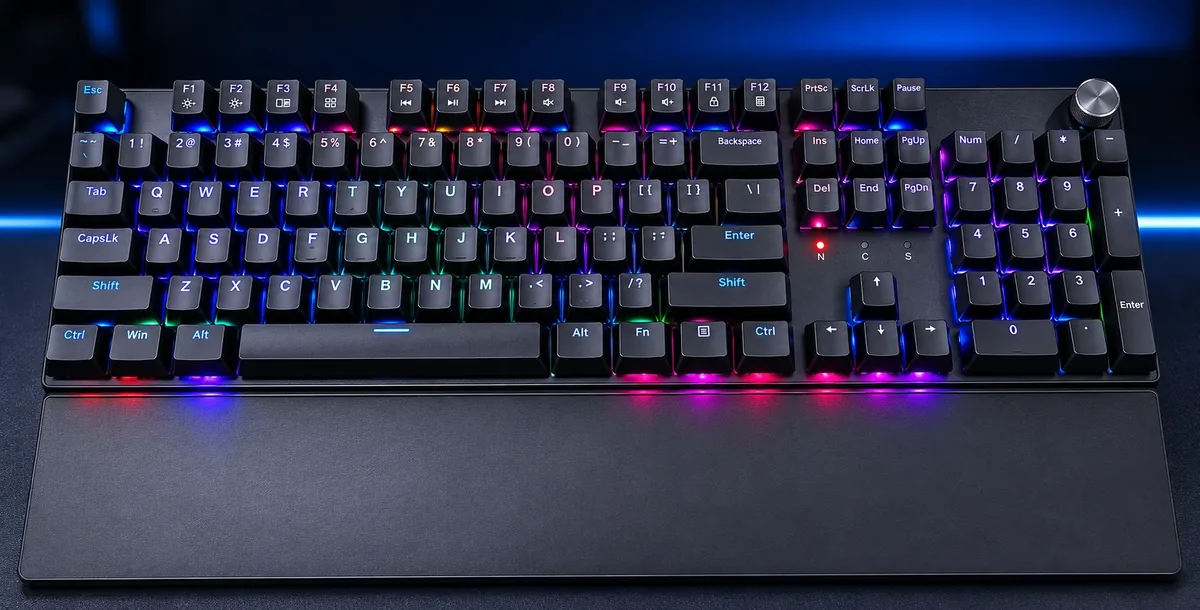
Start with the complete wireless link
Bluetooth range depends on the radio implementation, antenna, receiving device and environment. Obstacles and placement can affect reception. A Bluetooth version number alone cannot establish a keyboard operating distance, so avoid promising a universal range without a defined test.
Confirm whether the project needs Bluetooth, proprietary receiver-based wireless, wired USB or a combination. A supplied 2.4 GHz receiver is not automatically a Bluetooth adapter. Record the operating systems and host devices that the buyer expects to use.
Build an evaluation matrix for the target market
List the host device, operating-system version, keyboard firmware, connection mode and desk position for each sample check. Include the supplied receiver where applicable. Change one condition at a time so a problem or improvement can be reproduced.
Use the actual intended working position first, then review any required distance or obstruction scenarios. Agree the conditions with the supplier before treating an observation as an acceptance requirement. This guide specifies a method, not a test result for any model.
Check behaviour across the whole work session
Include first pairing, reconnection after restart, sleep and wake, connection switching and repeated typing. Note missed inputs or delays together with the exact conditions. Compare a wired connection where available to help narrow down the source of a problem.
For models intended to switch between devices, confirm the number of supported host memories and the switching procedure. Also confirm receiver replacement or pairing arrangements. Multiple connection modes do not establish a particular number of remembered Bluetooth hosts.
Keep the sample configuration in the order record
Retain the approved model, firmware, receiver, accessories and evaluation conditions as part of the sourcing record. Ask for a further review if any of those items changes before production. Avoid transferring a result from one configuration to another without checking it.
Review the linked keyboard specifications and tell MOKSION your target hosts, connection preference and quantity. Sample arrangements and initial production orders are discussed separately, with the final configuration and delivery requirements confirmed in the quotation.